1. New Registration
Data Entry Specifications
Generation of Technique & Material Fields Standardized text is automatically composed based on the selection of master data.
Search Indexing Master data for Categories, Materials, Supports, Artists, Genres/Subjects, and Dates are targeted for filtering during advanced searches.
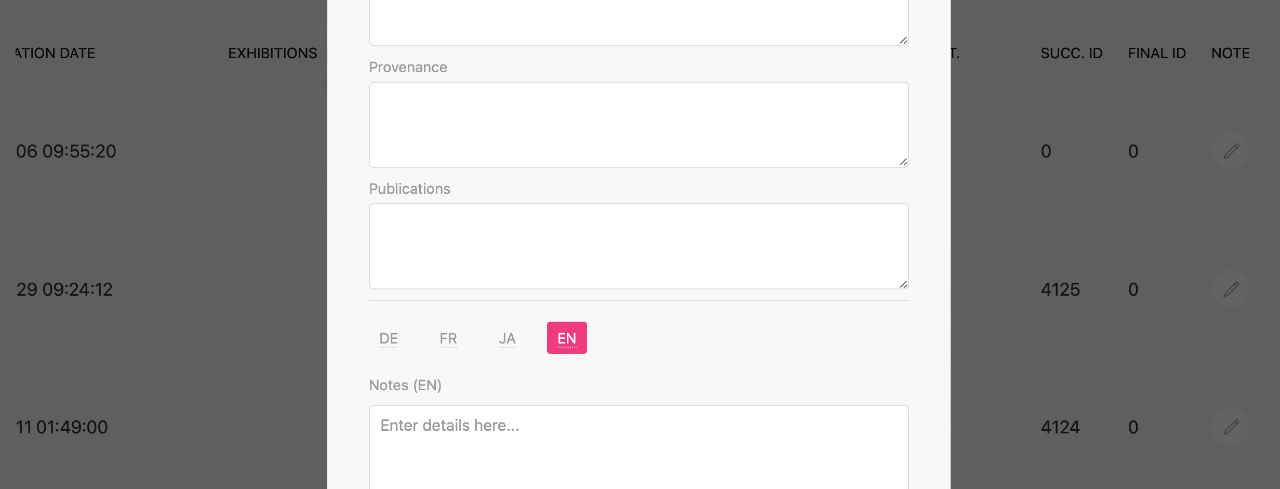
The “note” field allows for flexible entries, including artwork descriptions, production journals, and memoranda,depending on the intended use.
Multilingual Support By toggling the language switch on the entry screen, unique text can be maintained for each language. On the detail page, the most appropriate content is automatically output based on the viewer’s language settings.
*Condition / Status Field Current status information can be updated through the data editing interface.
*Visibility Control Additional unnecessary fields can be hidden from the interface.(Reference:Registration Form Settings)
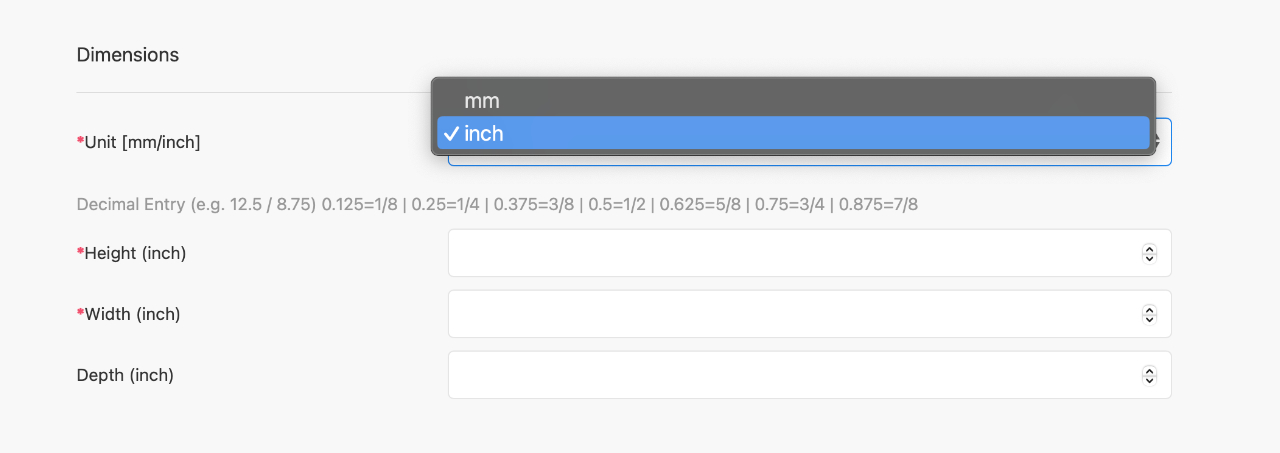
Dimension Entry
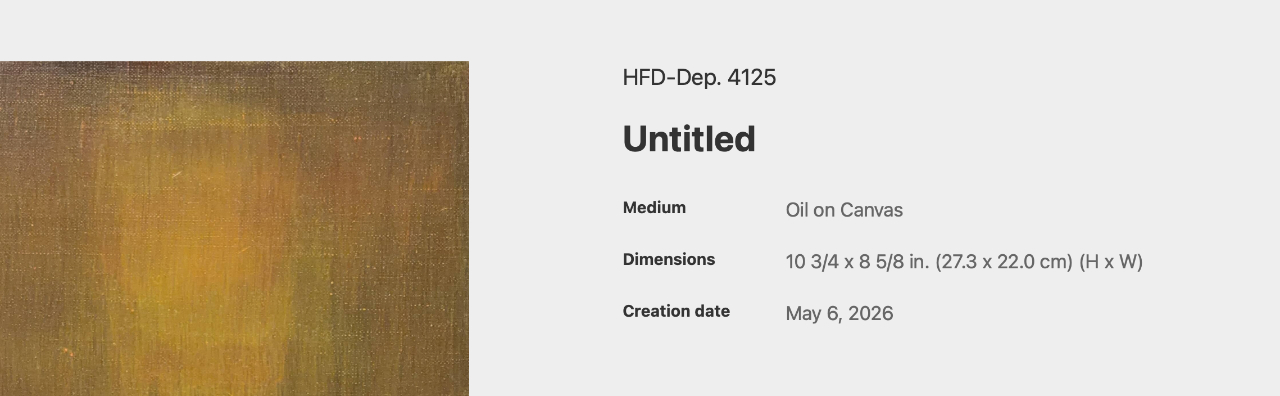
Regardless of the input unit, the display on the artwork detail page is automatically unified.
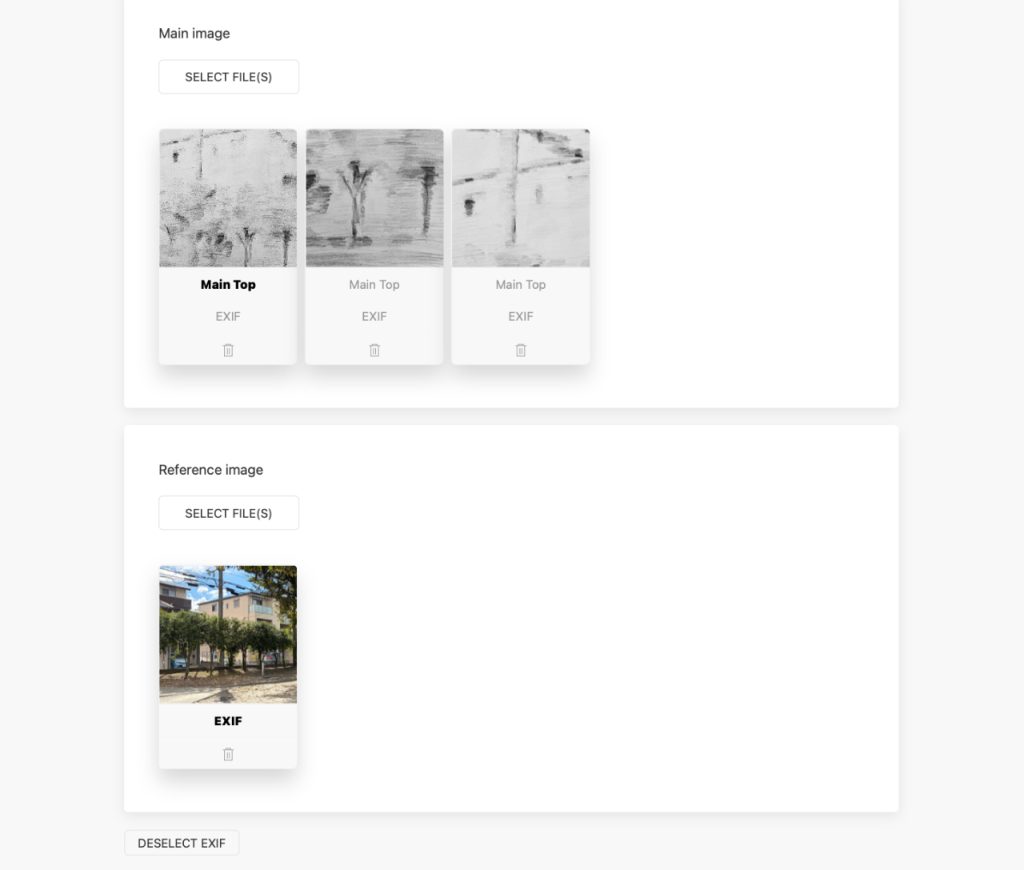
Multi-upload and Primary Image
Both main and reference images support multiple uploads. From the main image set, a “primary image” can be designated for use as thumbnails and the lead image on the detail page.
Display Format and Auto-Configuration Registered images are automatically configured into a slider format on the artwork detail page.
Geotagging (MAP) By enabling and registering with the “MAP” function, the shooting location information is preserved and displayed as archival data.
2. Edit
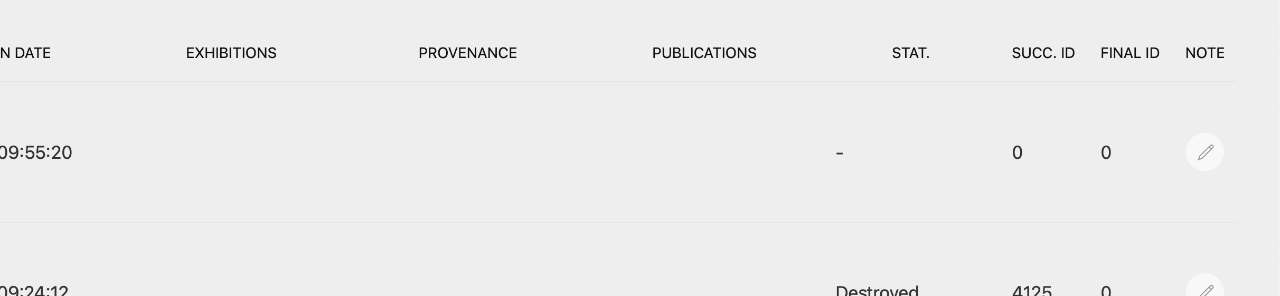
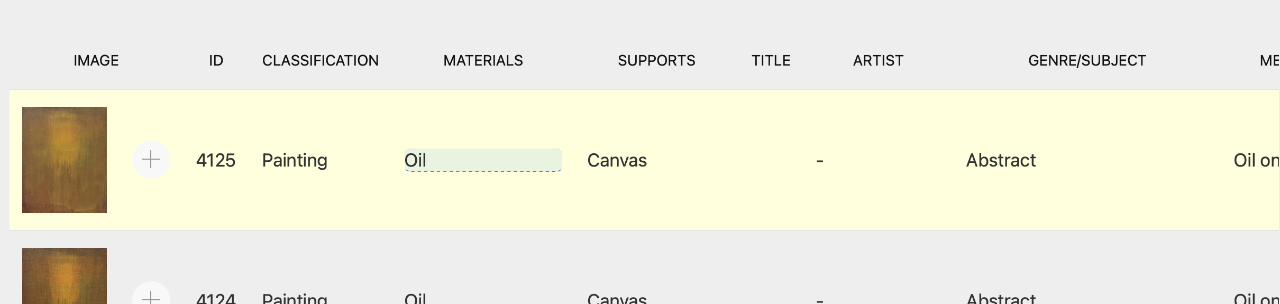
Equipped with a direct-access editing feature that allows you to update fields directly from the artwork list.
Inline Editing
Clicking each item in the list allows for immediate updates and saving on the spot.
Image Editing: Clicking the “+” icon next to the thumbnail opens a modal. Add or change images within this modal.
Editor Switching
For items requiring lengthy input, the system is designed to automatically switch to an editing modal window to ensure visibility.